Smart collections
Auto-build genre and vibe collections the moment songs land, with pinned filters that mirror Suno so everything arrives pre-sorted.
SunoSavvy · Desktop companion
Mirror your Suno library to disk, keep WAVs and provenance receipts, then browse with automatic collections, stack drafts of the same title, and preview everything in the built-in player.
$20 · macOS (Intel & Apple Silicon) and Linux now · Windows in a few days

Created by Tyler Jay · fellow creator
Now with a cleaner, more accessible provenance viewer
New release · Instant download
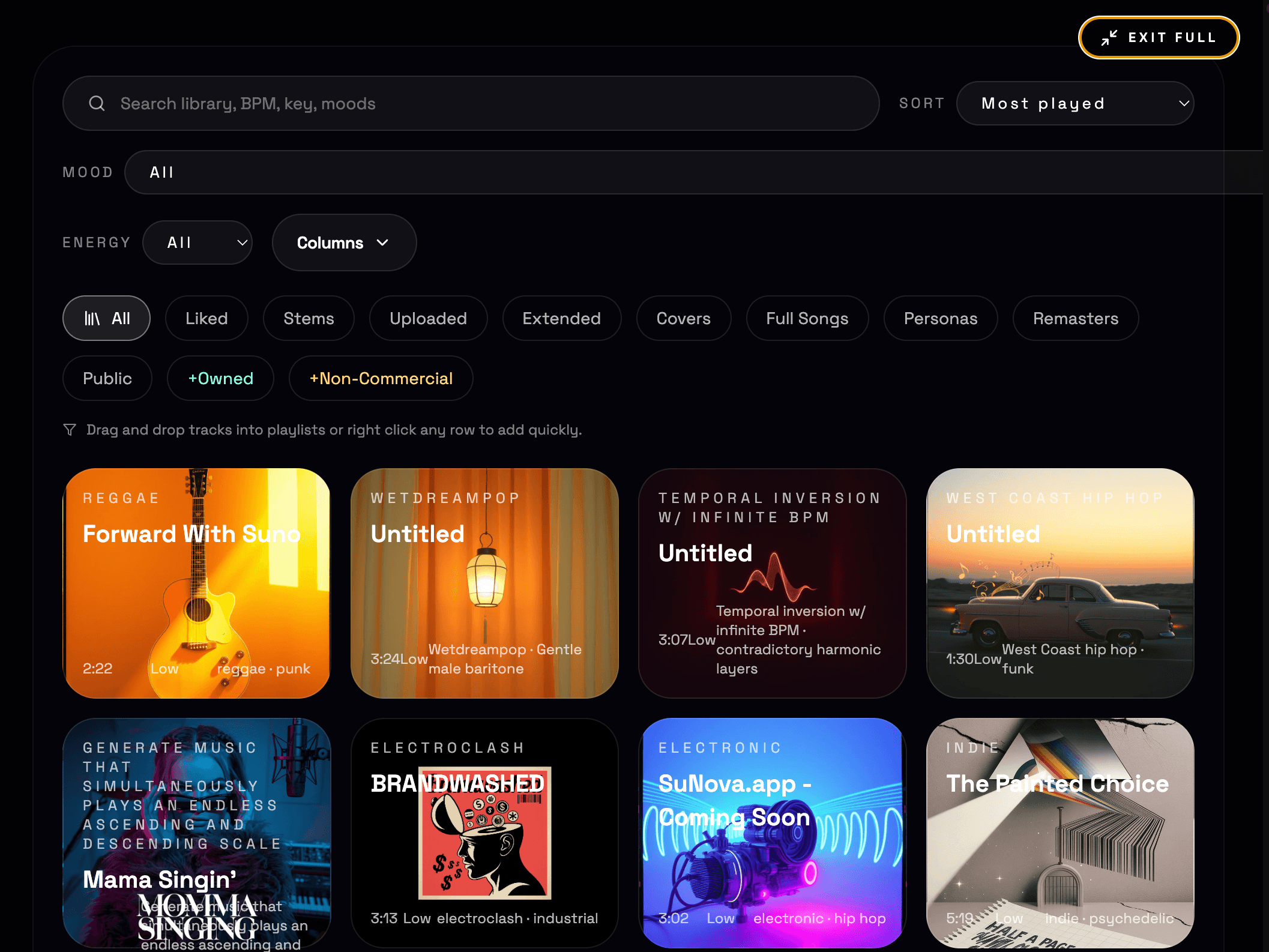
Local-first backups with smart collections, stacks, playlists, and the built-in player + provenance workflow. Files still flow straight from Suno to your drive—no servers, no retention.
Price: $20 · macOS (Intel & Apple Silicon) and Linux available now · Windows build coming in a few days
Everything you see is stored locally. Queue, sort, and ship with smart collections, stacks, and playlist drag-and-drop on top of the same reliable backup.
Auto-build genre and vibe collections the moment songs land, with pinned filters that mirror Suno so everything arrives pre-sorted.
Tracks with the same name collapse into a stack—drafts, remasters, and alternates stay together with quick-stack actions.
Drag tracks, stacks, and collections directly onto playlists; the board gives you huge drop targets and live feedback.
Waveform mini player and an accessibility-first provenance viewer keep prompts, lyrics, and receipts right beside the audio.
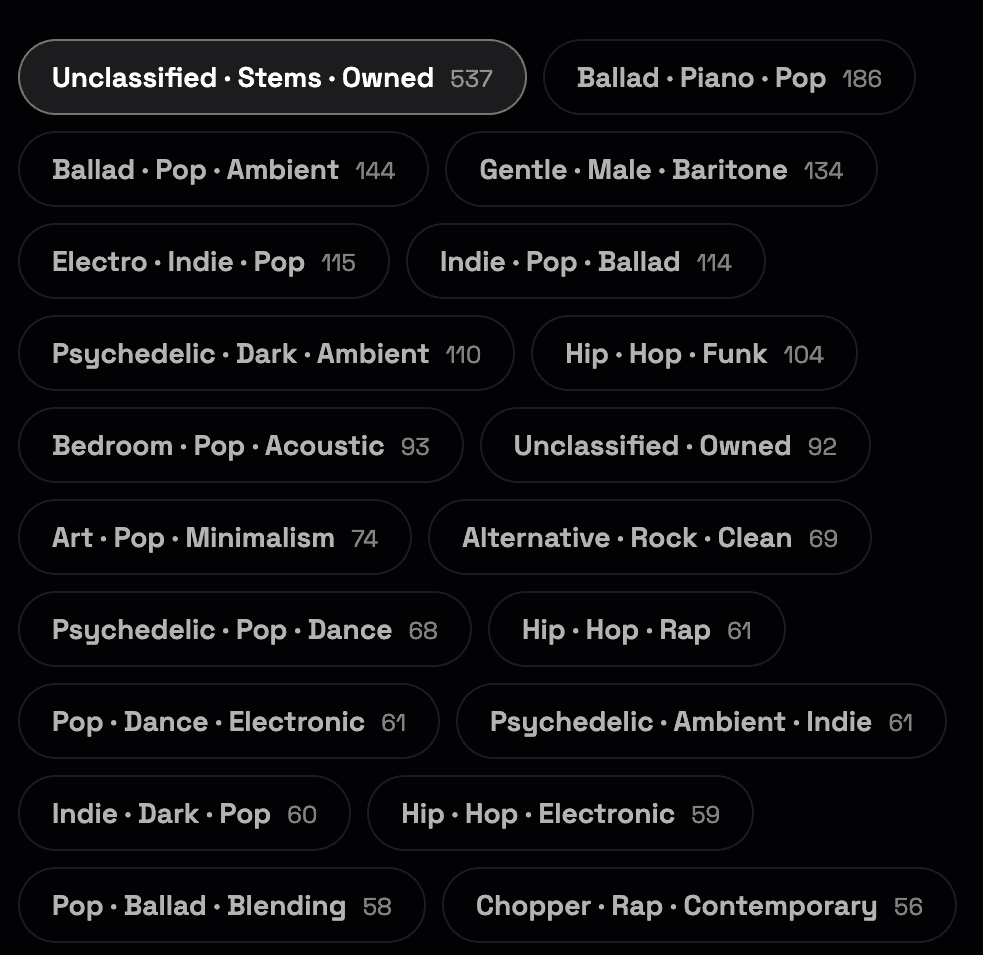
Collections auto-cluster similar genres, vibes, and languages as songs import, so you browse by feel instead of by filenames.
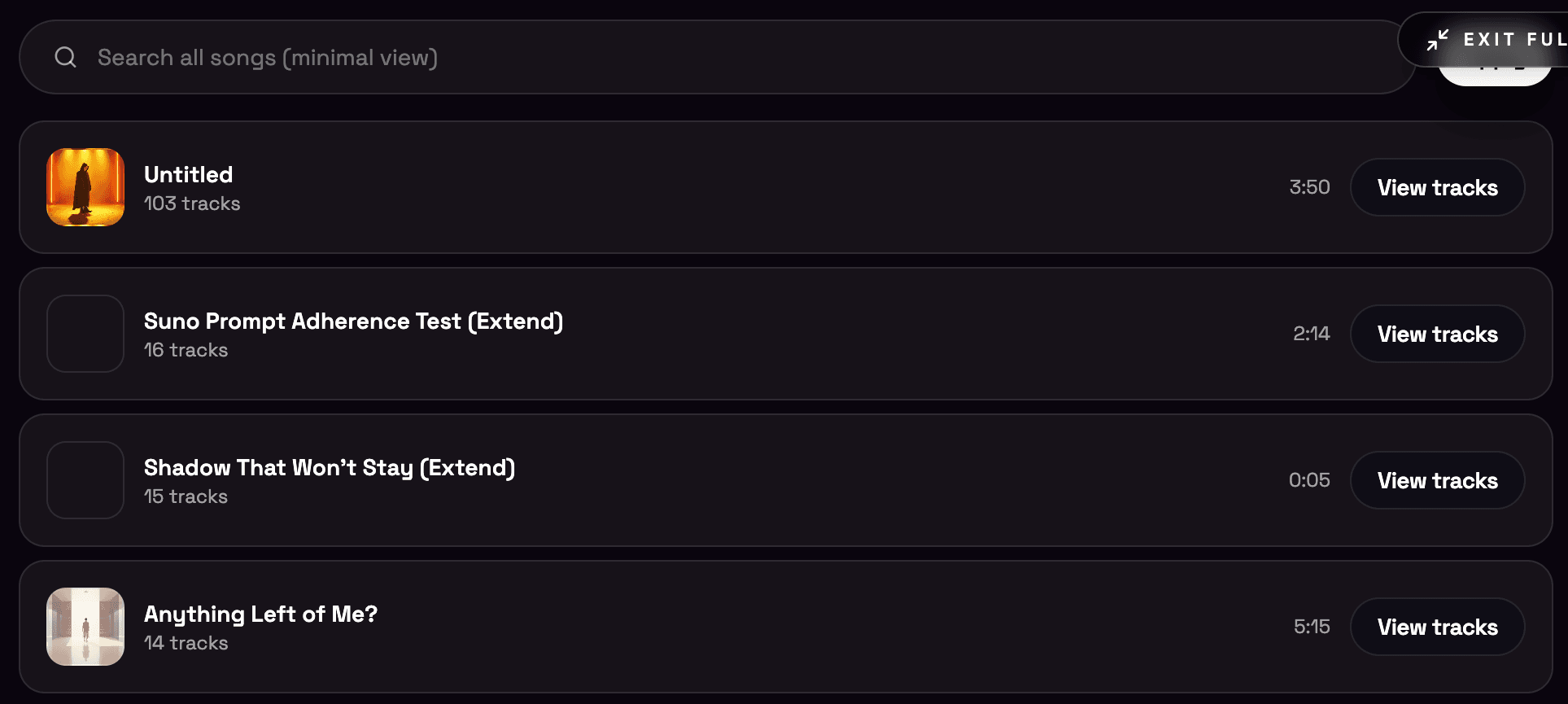
Any songs with the same name collapse into one stack so alternates, remasters, and stems stay grouped. Open a stack to expand it in a modal and pick the keeper.
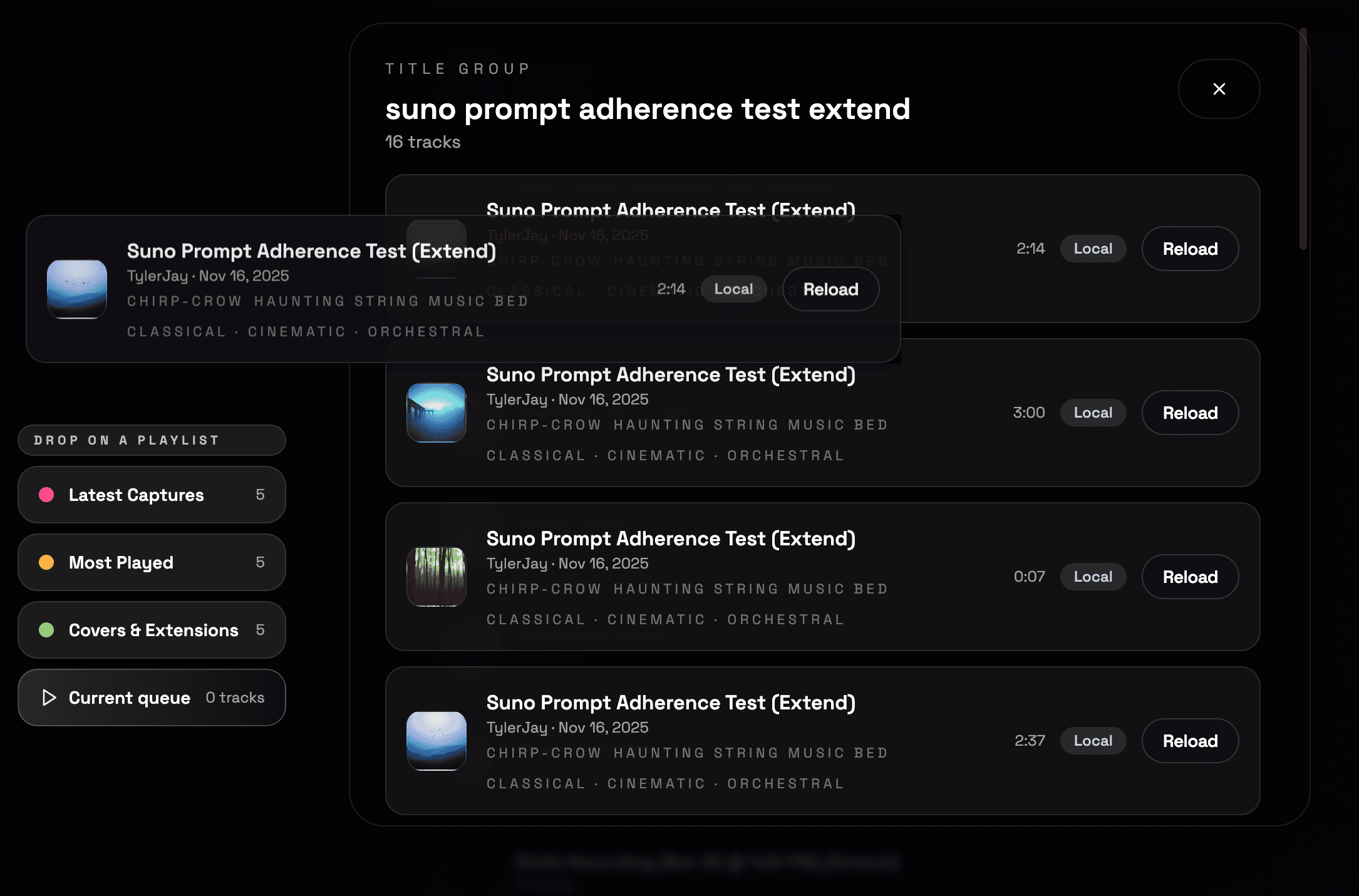
Playlists now have big targets and live feedback so routing songs is muscle memory.
Every screen is tuned for local Suno backups—one view at a time.
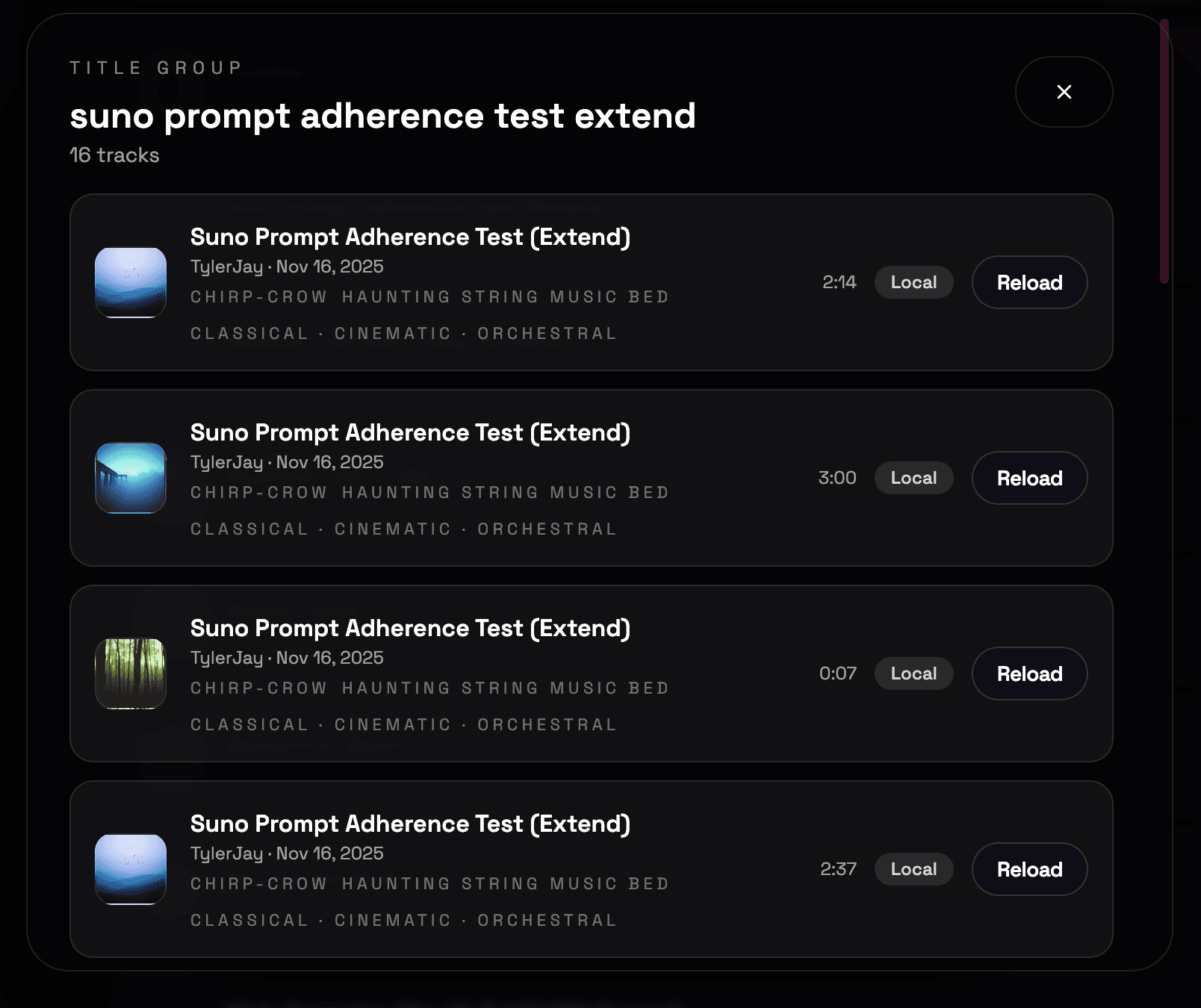
Preview alternates, read prompts, and route the right take without digging through folders.
Keeps prompts, lyrics, and receipts tied to each take while you decide.
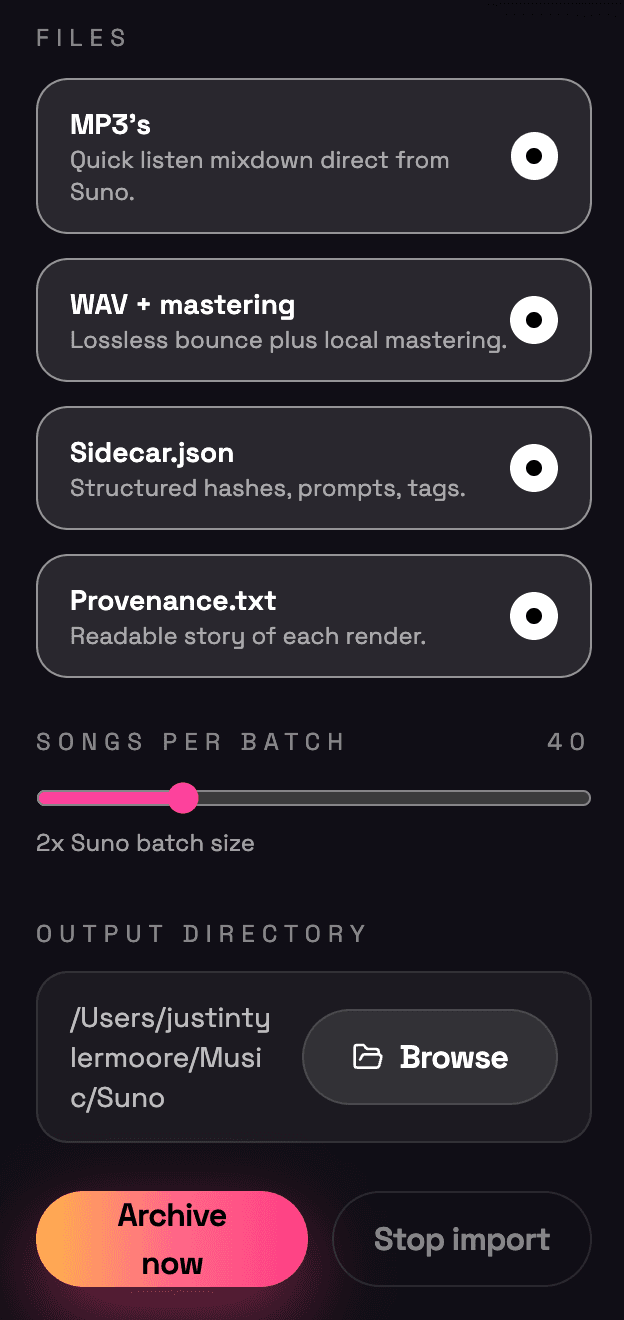
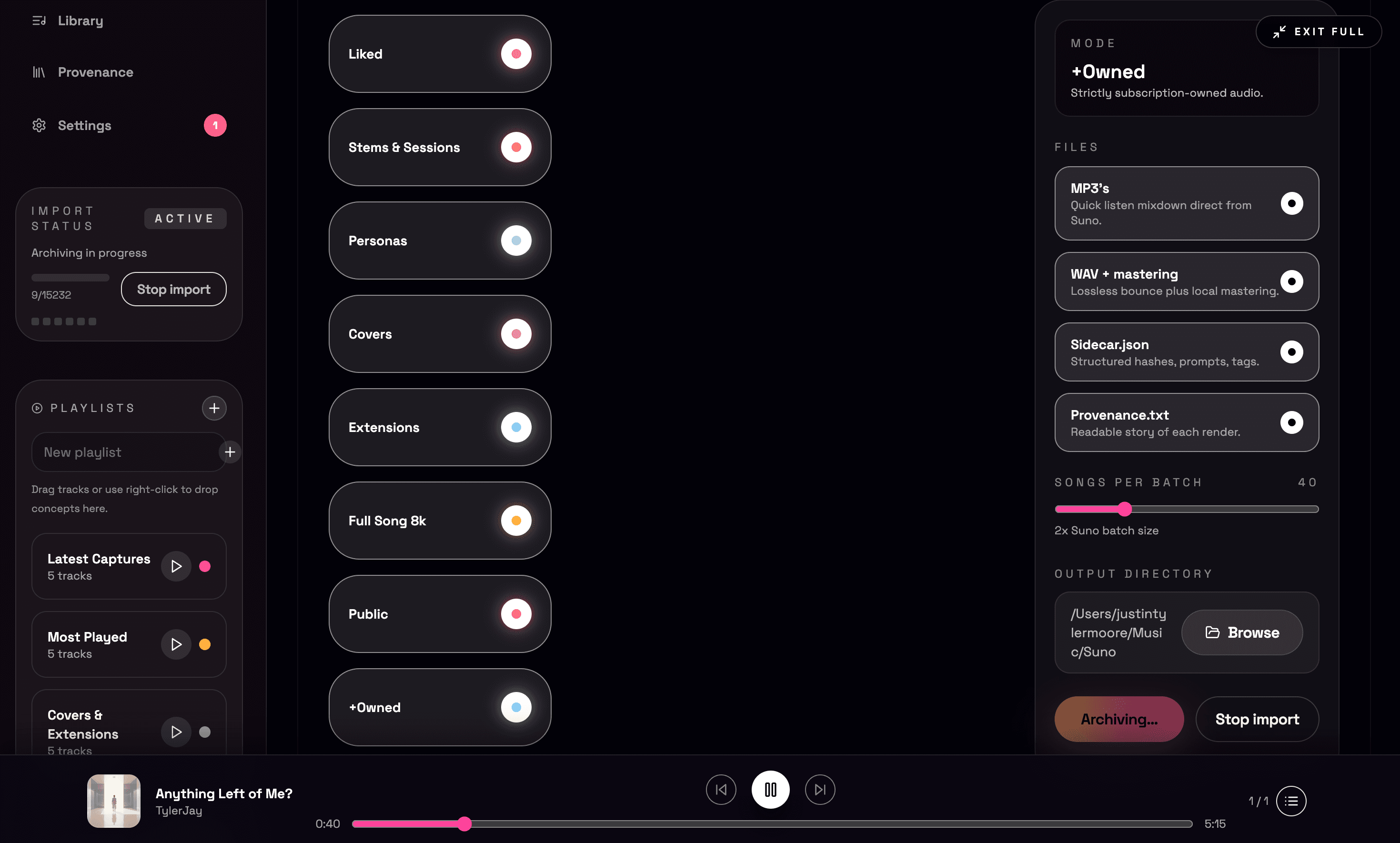
Pick stems, remasters, and export flavors ahead of time; the importer respects your folder targets automatically.
Save time on every backup with defaults that stick.
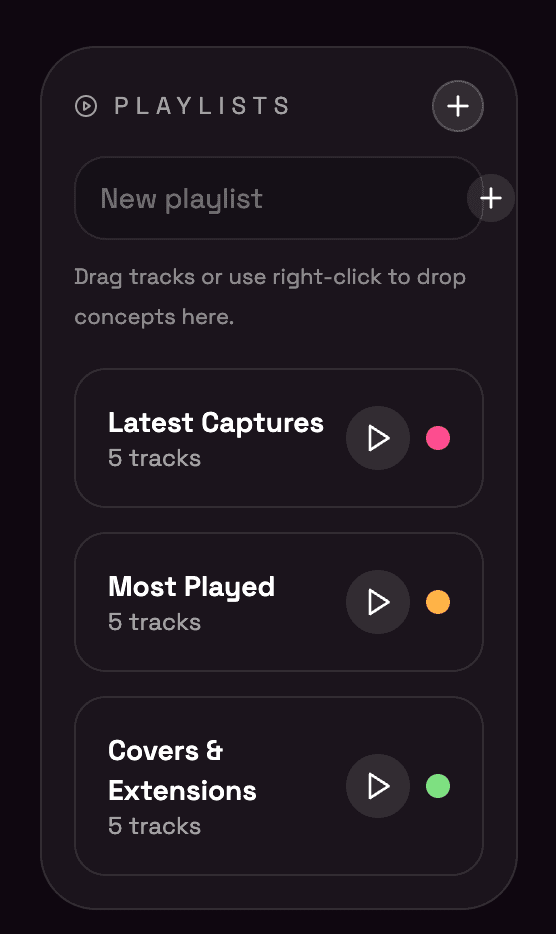
See playlists as cards with counts and colors so you can route songs by release, vibe, or collab.
Fast sorting for releases without touching folders.
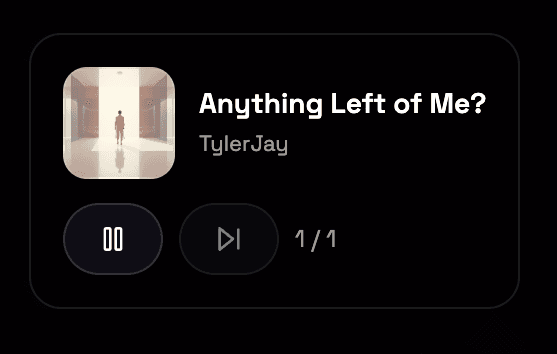
Pinned waveform player follows you through the library, stacks, and playlists.
Preview locally stored tracks instantly while you organize.
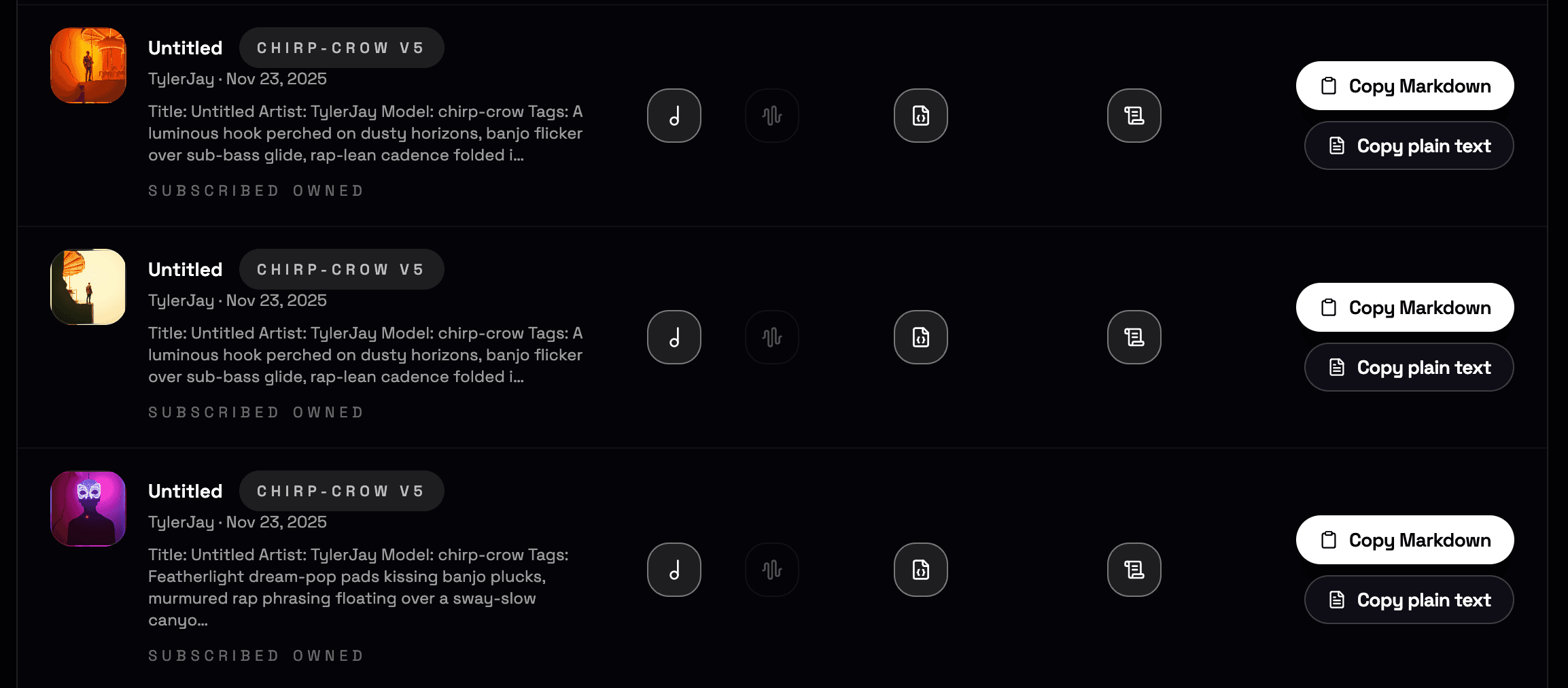
Cleaner, more accessible provenance with prompts, lyrics, stems, and receipts side by side.
Keep receipts with the audio so authorship is provable later.
Back up every Suno song locally—audio, stems, prompts, lyrics, and receipts—so your catalog is safe off-platform.
Smart collections, track stacks, and drag-and-drop playlists make the backup easier to browse than Suno itself.
Built-in player and provenance viewer mean you can preview and verify without leaving your library.
Buy once · $20
$20 · macOS (Intel & Apple Silicon) and Linux today · Windows coming in a few days
Your songs stay yours; files flow directly from Suno to your computer just as if you clicked download inside the Suno app. Nothing touches a VOMG server.